
Assign CatchPulse Devices to Device Groups
Note: This section applies to users who have a valid CatchPulse Pro license
To assign CatchPulse device
-
On the main navigation bar, go to .
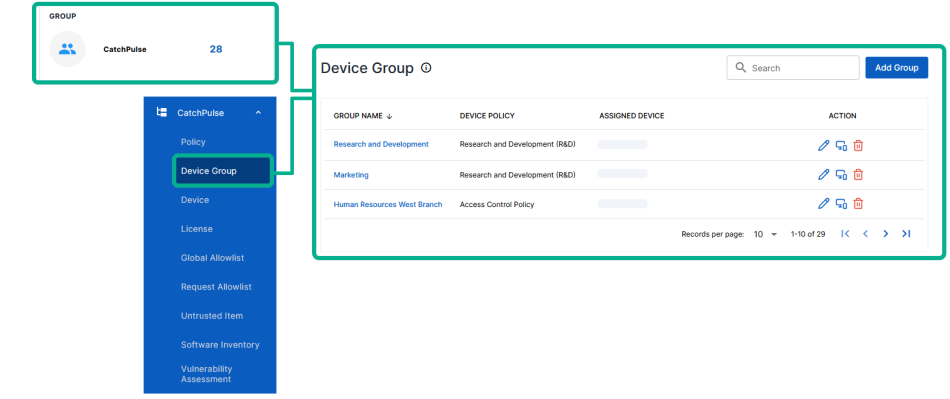
-
Select a Device Group.
-
Do one of the following to assign CatchPulse devices to device groups.
-
Click on the corresponding
 button.
 -
While viewing the Device Group details from information pane on the right, select Devices tab and Assign Device.
The Assign Device information pane appears on the right, showing you all the assigned devices.
-
-
Do one of the following:
-
TO ASSIGN A DEVICE TO THE SELECTED GROUP
Select a device and click on the corresponding
 button.
 -
TO ASSIGN MULTIPLE DEVICES TO THE SELECTED GROUP
Select the groups, and click Assign Devices.
The notification panel at the bottom of the page indicates the selected devices was assigned to the CatchPulse device group.
-
More information