
Last updated: July 07, 2026
View latest full system scan results
To view the most recent scan result instead of conducting a quick full system scan
-
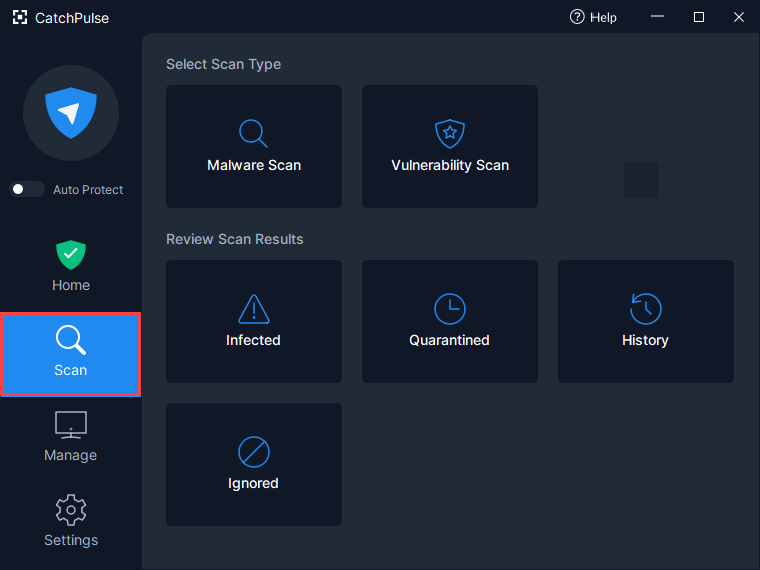
Launch CatchPulse and click on Scan.
-
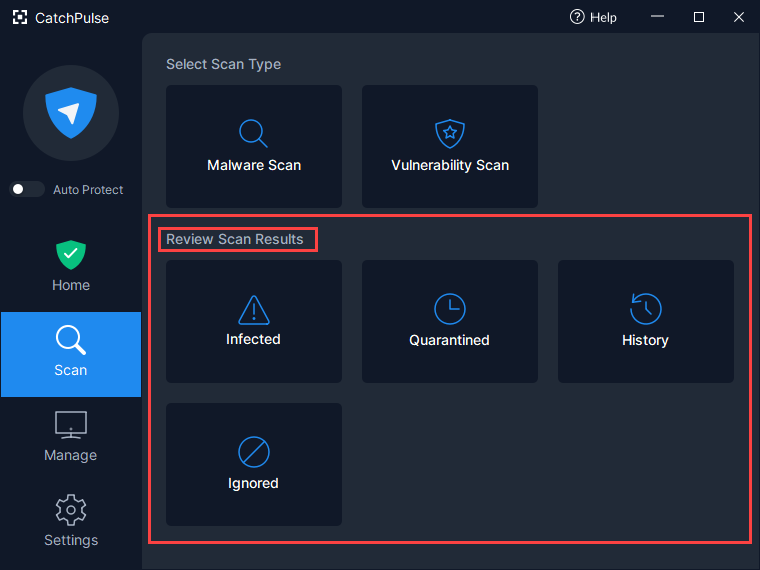
Under Review Scan Results, click either of the Infected, Quarantined, History or Ignored tabs to view the latest scan results.
-
This is ideal if you want to quickly view detailed information on your computer's infection status without starting a full system scan.