
View the Latest Full System Scan Result
Users who prefer to simply look at the most recent scan result instead of conducting a quick full system scan may do so using the following steps:
-
Launch SecureAPlus and click on View UAV Status
-
View Latest Scan Results
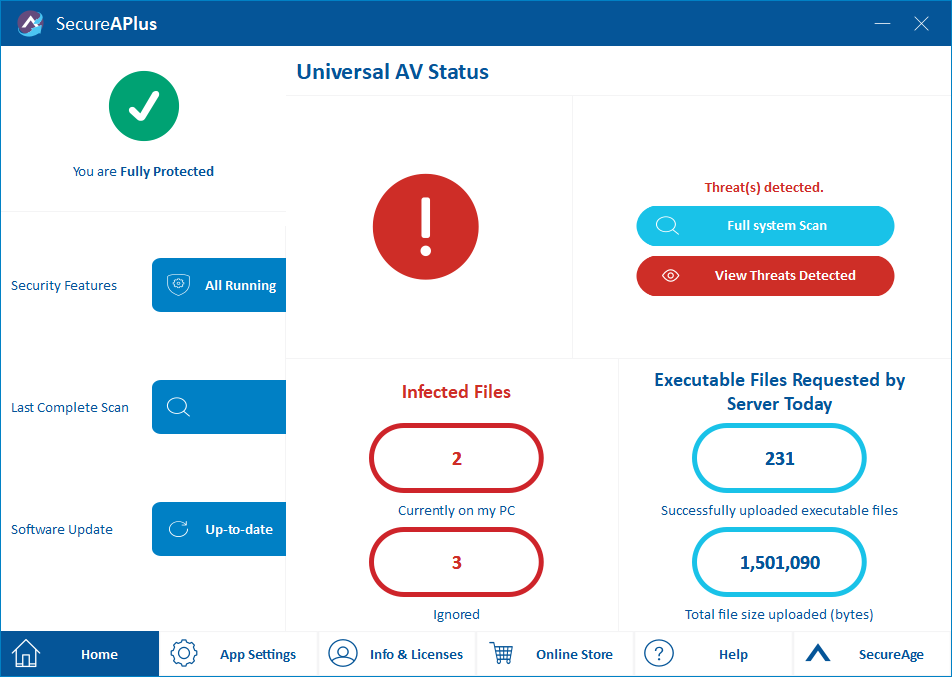
This is ideal if you want to quickly view detailed information on your computer’s infection status without starting a full system scan.
Support and feedback
Should you encounter any issues using SecureAPlus with any of the mentioned or missed requirements above, you can write to us at docs@secureage.com.
This page was last updated: December 02, 2025