
Assign a CatchPulse policy
A CatchPulse Policy is a collection of pre-defined CatchPulse settings that can be easily deployed and imposed to CatchPulse Pro devices.
You would need to set a Policy first before you can add one to any of your devices.
How to Create a CatchPulse Policy
To assign a CatchPulse Policy to your CatchPulse machine.
-
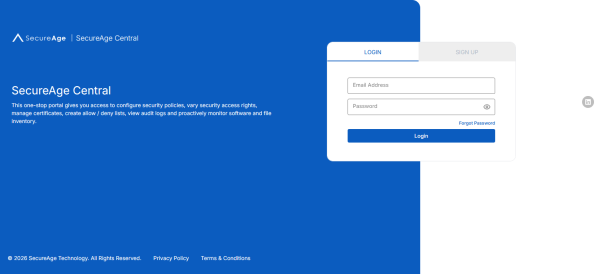
Log in to your SecureAge Central.
-
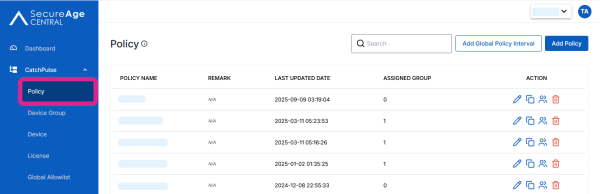
On the CatchPulse Account Portal Summary page, select Policy.
-
Select a Policy click on the corresponding Assign to Group
 button.
 -
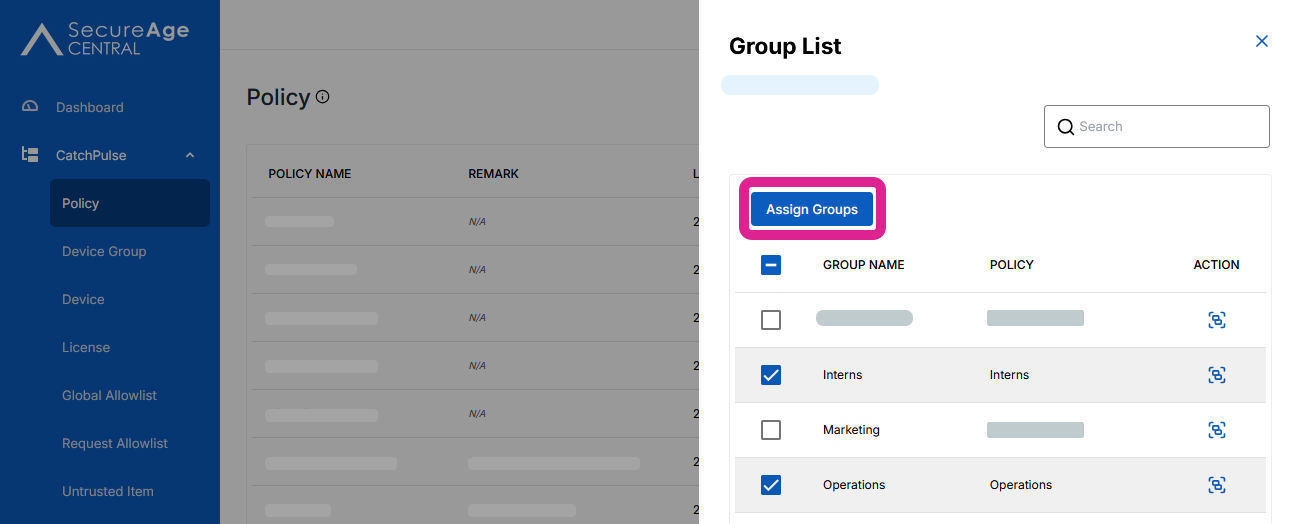
To assign one or multiple groups to the policy, select the groups.
-
To assign one group to policy, click on the Assign
 button to assign the group to the policy.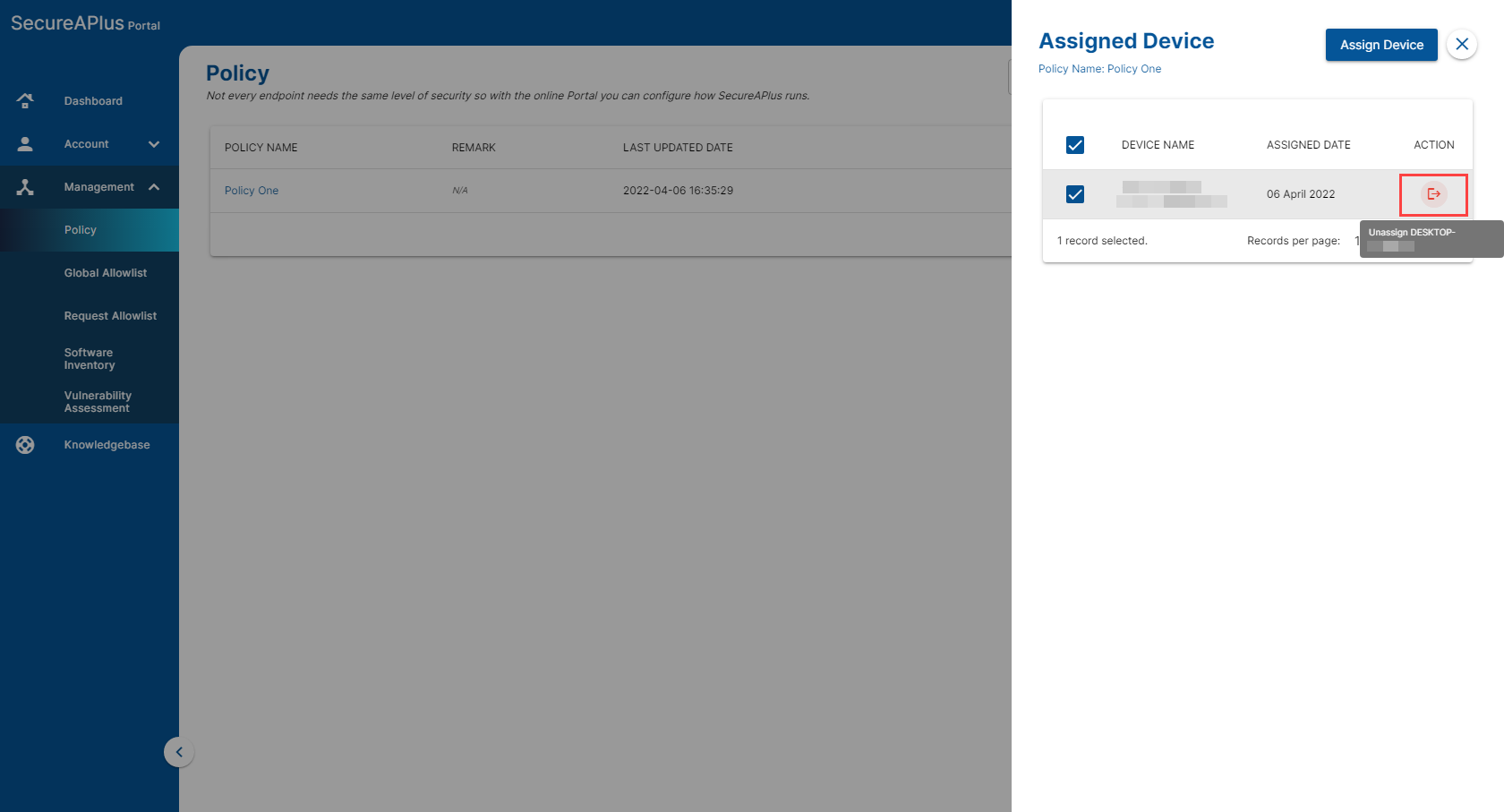
-
To assign multiple groups to policy, select all groups and click Assign Groups.
-
Note: If any selected group is already assigned to a policy, assigning it to a new policy will replace the existing assignment. Use search filters to narrow your results and prevent adding groups to the wrong policy.