Delete a CatchPulse policy
A CatchPulse Policy is a collection of pre-defined CatchPulse settings that can be easily deployed and imposed to attached CatchPulse Pro devices with the Policy Add-on feature. Follow the steps below to remove a CatchPulse Policy assigned to your CatchPulse machine.
-
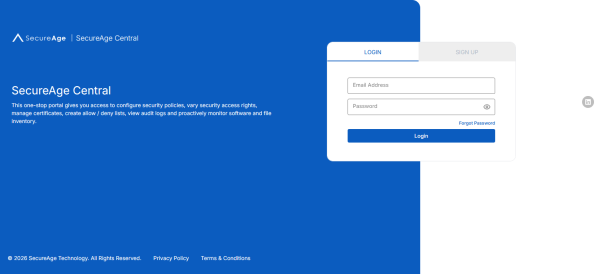
Log in to your SecureAge Central.
-
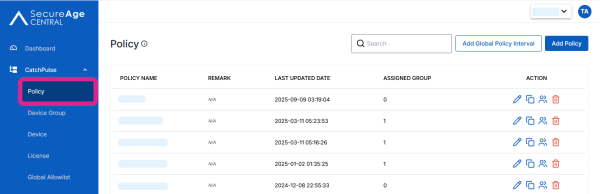
On the CatchPulse Account Portal Summary page, click on Policy.
-
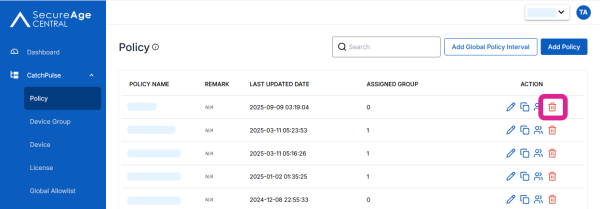
Select a Policy, click on the corresponding Delete
 button.