
Assign a Group to a Policy
Note: This section applies to users who have a valid CatchPulse Pro license.
To assign CatchPulse groups to a policy
-
On the main navigation bar, go to .
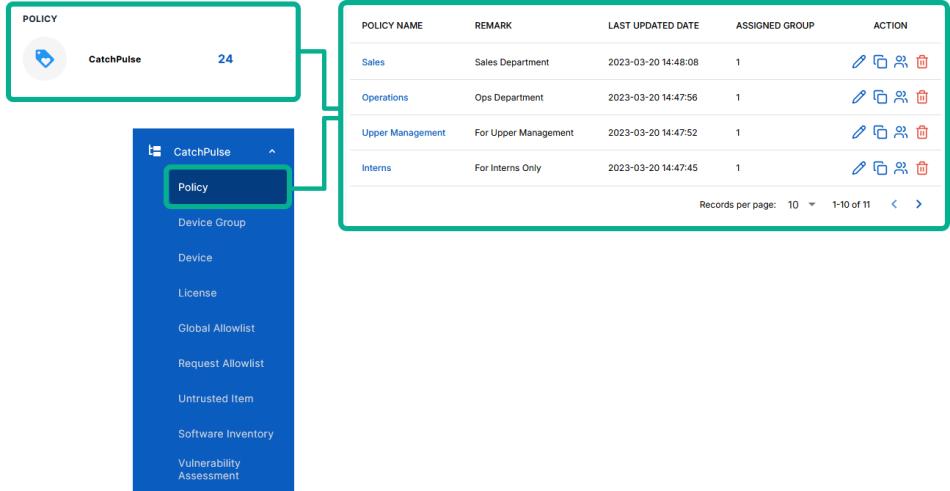
-
Select a policy.
-
Do one of the following to assign CatchPulse groups to a policy.
-
Click on the corresponding
 button on the right.
 -
While viewing the Policy details from information pane on the right, select Groups tab and Assign Group.
The Groups information pane appears on the right, showing you all the groups you can assign to policy.
-
-
Do one of the following:
-
TO ASSIGN A GROUP TO THE SELECTED POLICY
Click
 when you've found the group to assign to the CatchPulse policy.
 -
TO ASSIGN MULTIPLE GROUPS TO THE SELECTED POLICY
Select the groups, and click Assign Groups.
The notification panel at the bottom of the page indicates the selected groups were successfully assigned to the policy.
-
More information