
Last Updated: June 19, 2026
Delete a CatchPulse Global Allowlist
Note: This section applies to users who have a valid CatchPulse Pro license
To delete a CatchPulse Global Allowlist
-
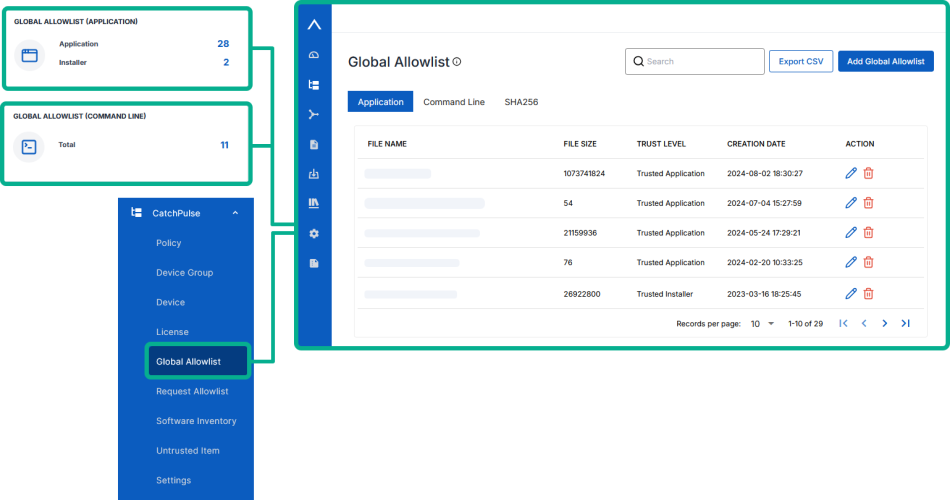
On the main navigation bar, go to .
-
Select a CatchPulse Global Allowlist.
-
Click on the corresponding
 icon on the right.
 -
While viewing the Global Allowlist details from the information pane on the right, select Delete.
-
-
When prompted to confirm deleting the Global Allowlist file, choose Delete.
The notification panel at the bottom of the page, indicates the selected Global Allowlist file was deleted.
More information